Model
gpt-image-2Forces the image request to the GPT Image 2 model path instead of the default combiner routing.
GPT Image 2 model page
Create AI images with the GPT Image 2 model, reference photos, aspect ratio choices, and batch outputs in one focused editor.
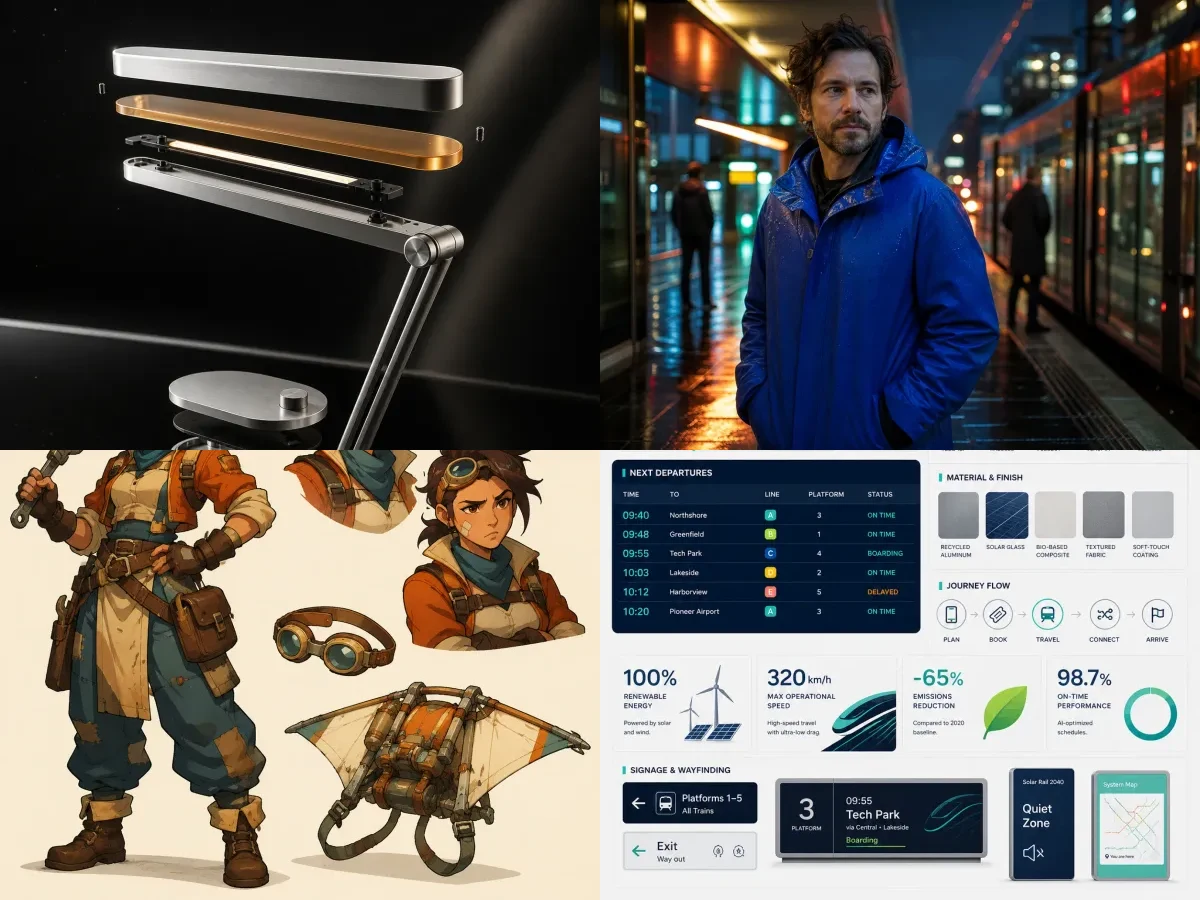
The editor sends model, prompt, image size, and output count through the existing image task pipeline.
Live editor
Upload a reference image, write the target scene, and expose the model controls search users expect to compare.
Upload 1-2 images for edits, restyles, product scenes, or composition guidance.
Credits: 0
Your AI result will appear here

Final image will appear here
Generate to create the final image from your uploaded photos.
Parameter guide
The page surfaces the controls users compare before choosing a model: model id, reference inputs, prompt behavior, size, output count, and optimization.
Forces the image request to the GPT Image 2 model path instead of the default combiner routing.
Use uploaded photos as visual context for edits, product variants, portraits, or layout guidance.
Describe the target image, retained subject details, camera style, lighting, background, and usage.
Select a fixed aspect ratio for social posts, hero images, ads, thumbnails, and vertical content.
Create multiple variations from the same prompt so the user can compare composition and style.
Optionally refine the prompt before generation while preserving the user's original intent.
Prompt examples
These examples were generated through the GPT Image 2 AIAPI path after reviewing official prompting guidance and strong public prompt galleries. Each sample uses a different subject category so the page demonstrates range, not one object in several styles.
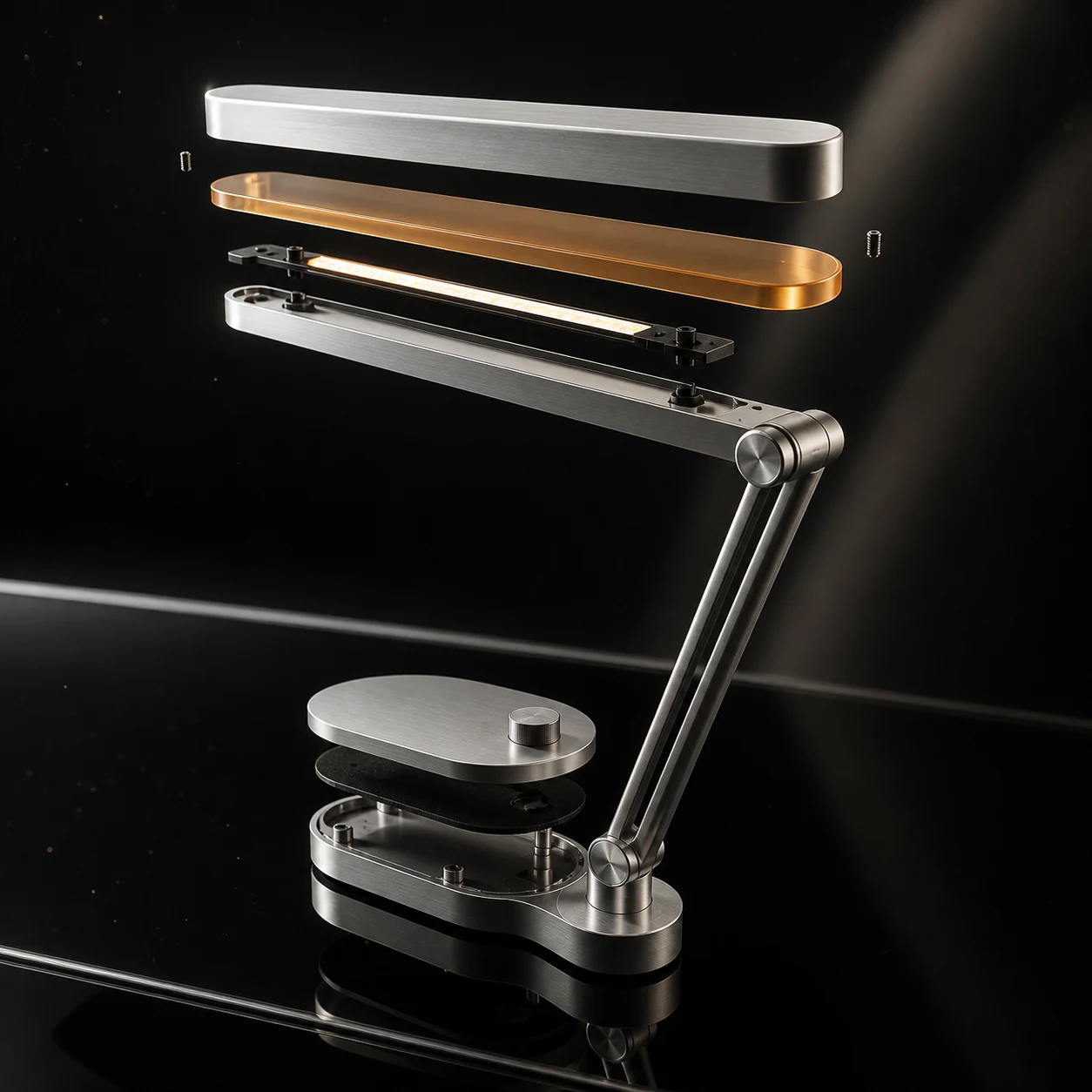
Aster Beam product ad
Create a commercial-grade product campaign image for a fictional modular desk lamp named Aster Beam: brushed aluminum body, translucent amber diffuser, exploded-detail styling without labels, premium black glass surface, controlled rim lights, subtle dust motes, magazine advertising finish, no real brand, no logo.
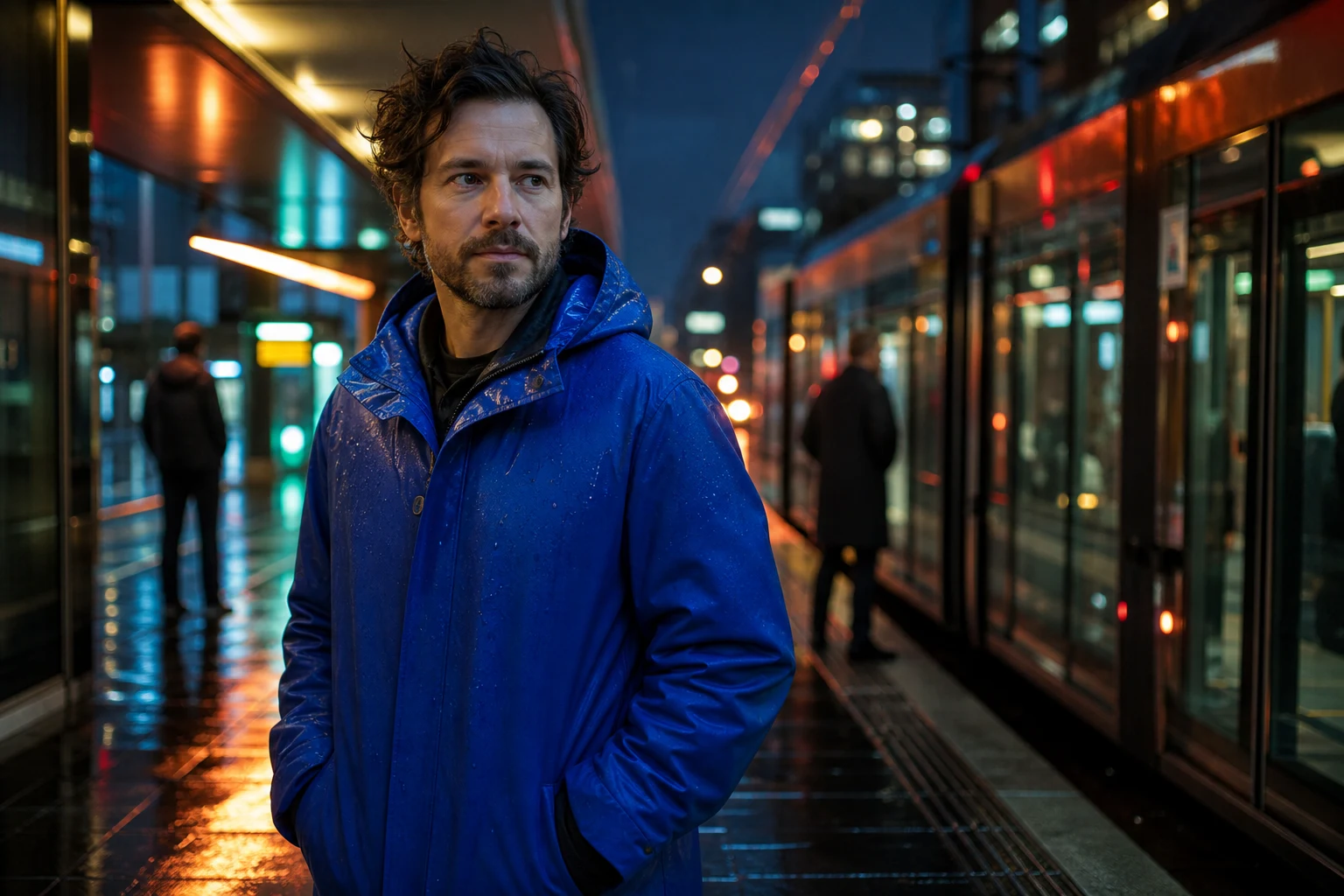
Neon platform portrait
Create a cinematic editorial portrait of a fictional adult industrial designer in a cobalt raincoat on a neon tram platform after rain, confident expression, reflective ground, layered background commuters as soft silhouettes, 50mm documentary realism, rich color separation, no celebrity likeness, no logos.
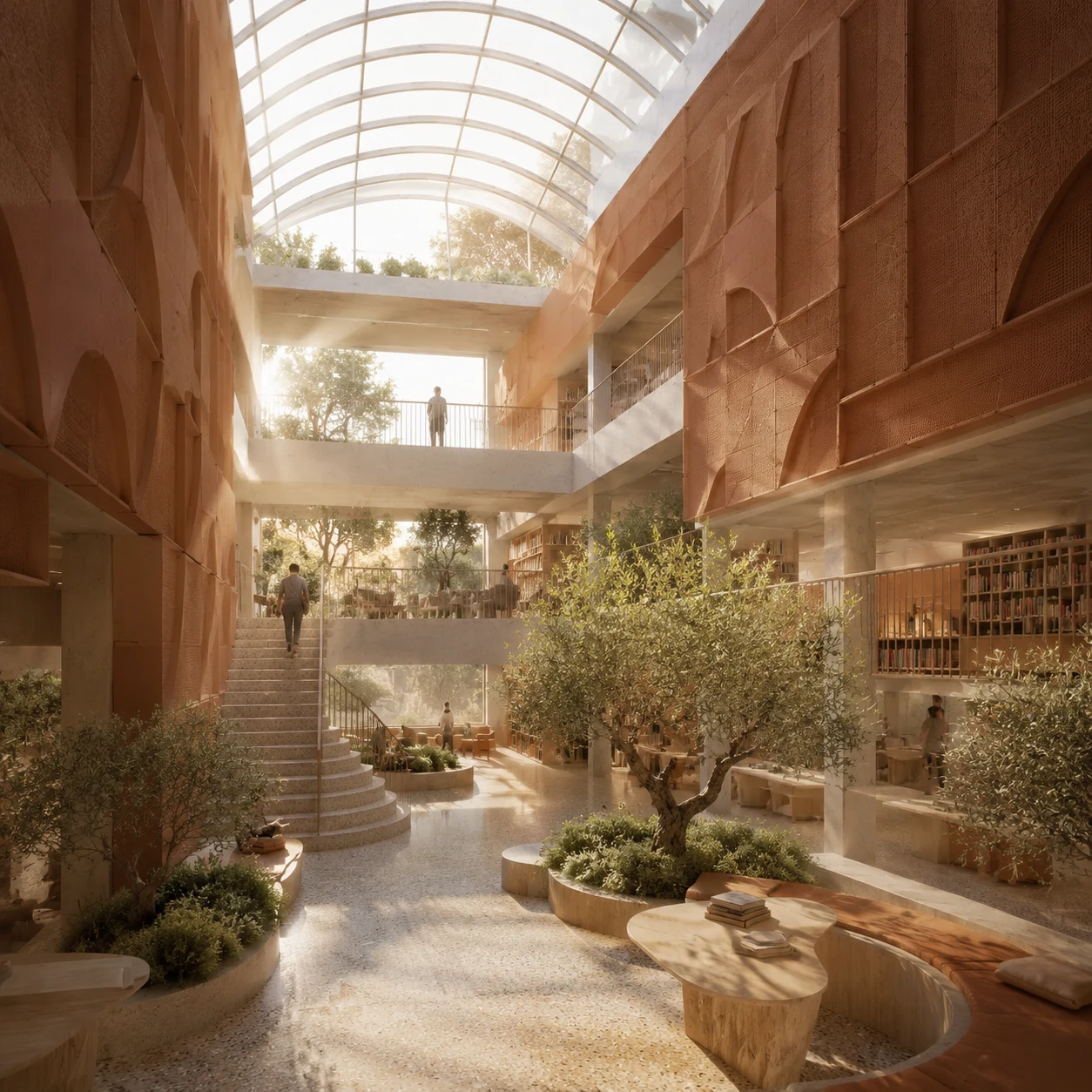
Library atrium concept
Create an architectural visualization of a small urban library atrium with terracotta acoustic panels, curved glass roof, olive trees, terrazzo floor, reading balconies, warm morning shafts of light, a few tiny anonymous visitors for scale, design-magazine composition, no signage, no logo.
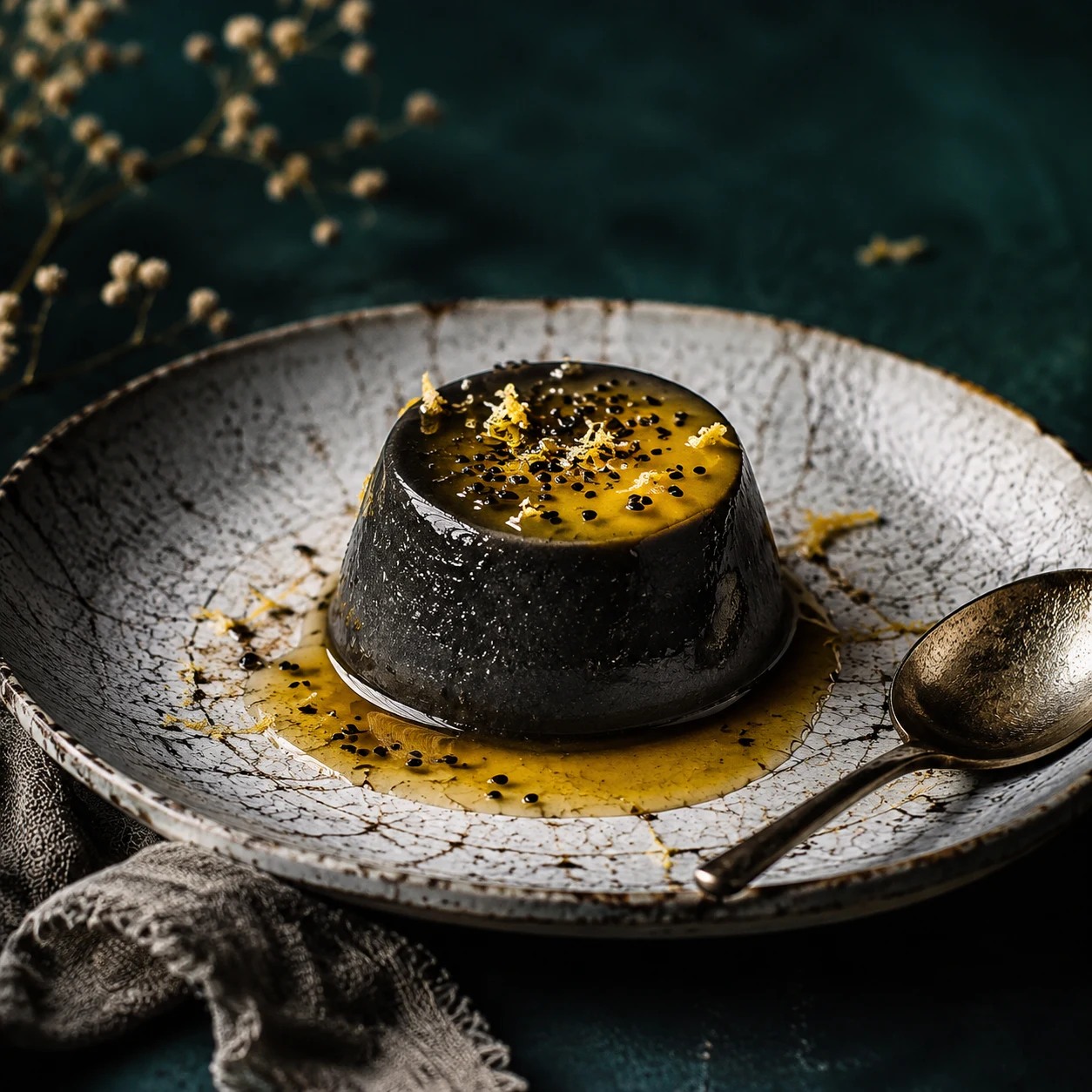
Black sesame dessert
Create a high-end editorial food photograph of a black sesame panna cotta with yuzu glaze, cracked ceramic plate, silver spoon, torn linen, dark teal backdrop, precise highlights on the glaze, appetizing texture detail, restaurant magazine styling, no packaging, no logo.
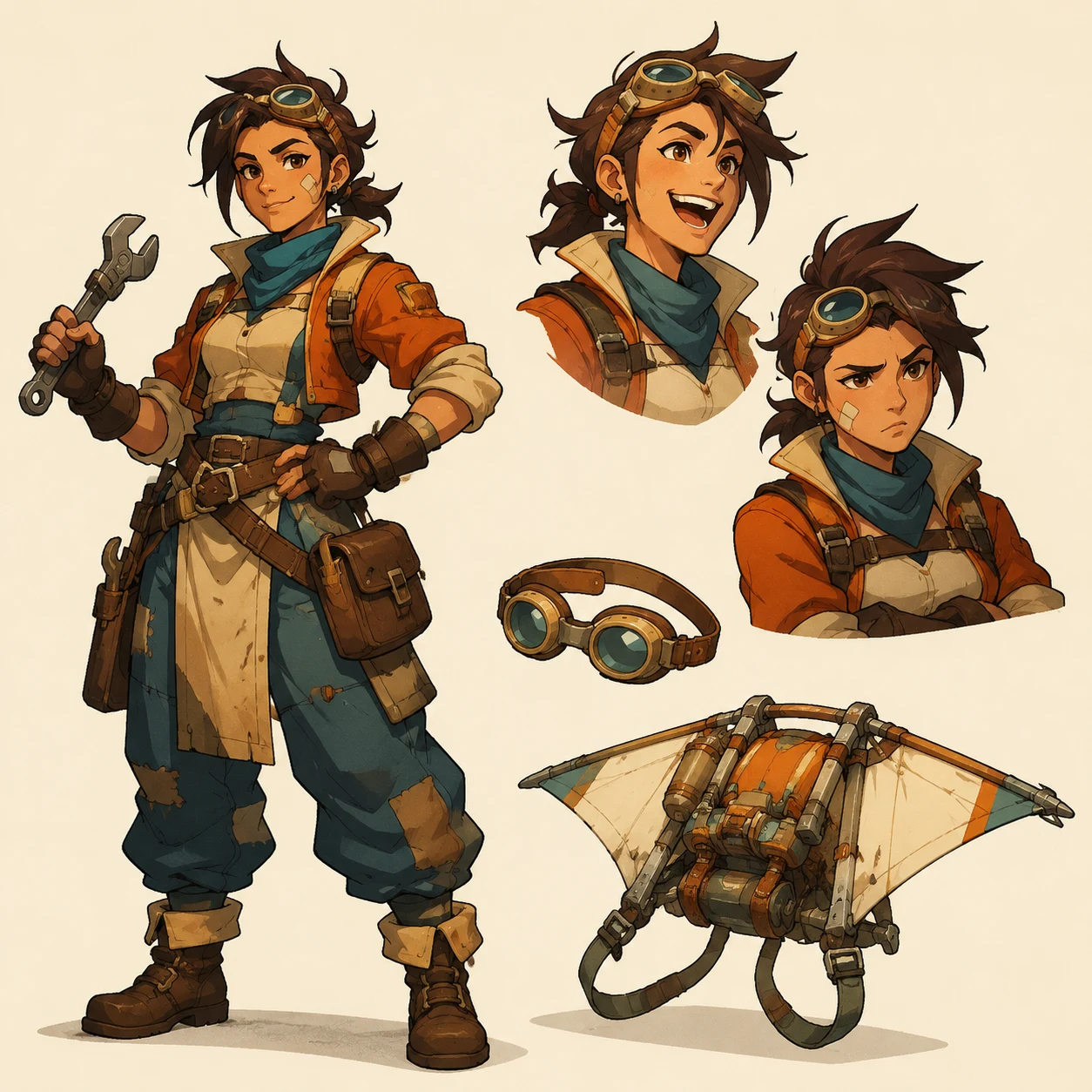
Sky-courier character sheet
Create an original character design sheet for a fictional sky-courier mechanic: full-body pose, two expression busts, small prop sketches of goggles and glider pack, warm cel-shaded illustration, clean production-art layout, distinctive silhouette, not based on any existing IP or living person, no readable text, no logo.
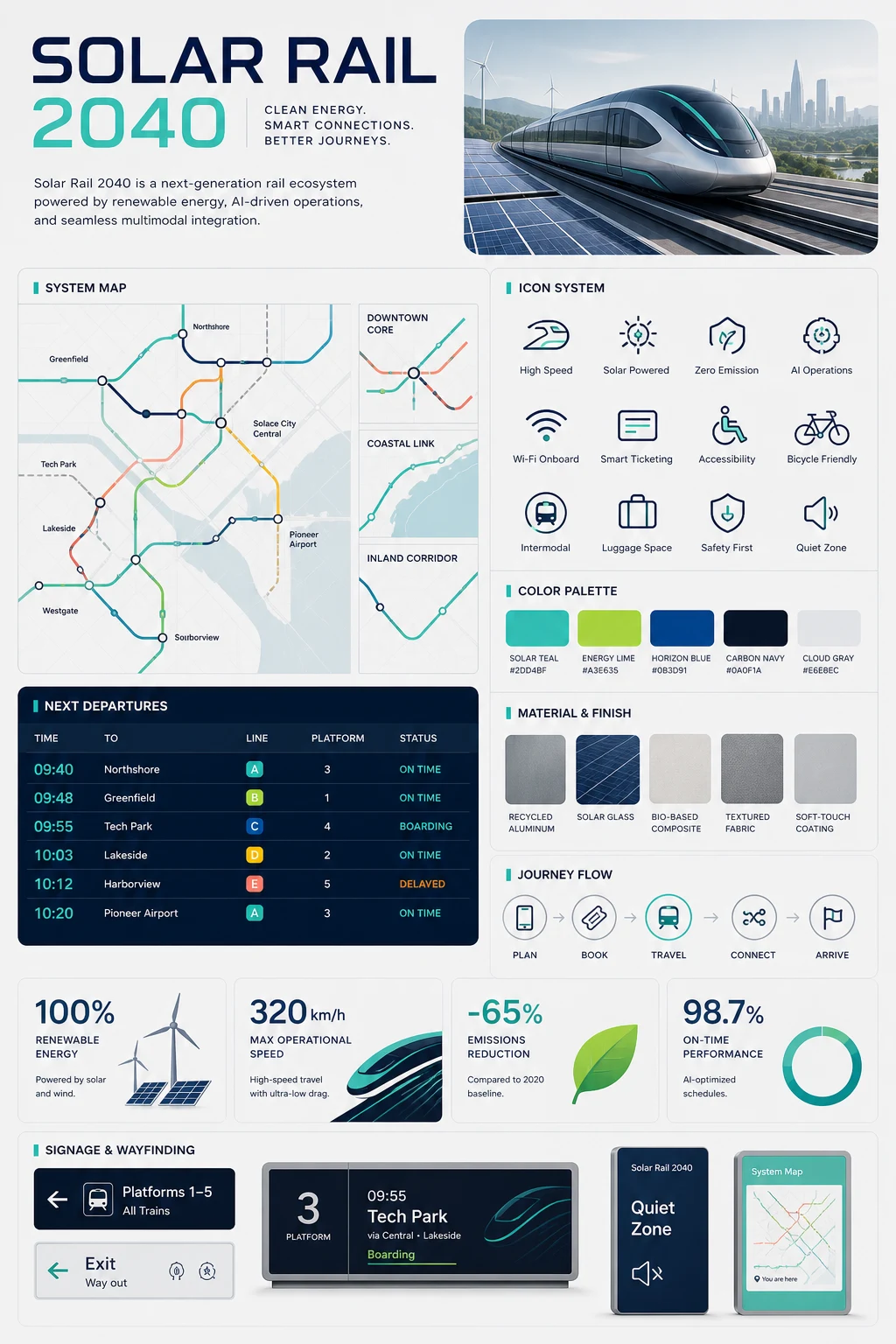
Solar Rail system board
Create a polished visual system board for a fictional future rail concept called SOLAR RAIL 2040: clear large title text, modular map fragments, icon set, color swatches, material samples, timetable-inspired grid, arrows and data cards, crisp editorial infographic layout, no real brand logo.
Model use cases
A model-specific page can rank for users who are no longer searching for a generic image combiner and want a named model, parameters, and comparisons.
Generate clean product scenes, background changes, and catalog variants from one source image.
Produce square, landscape, and vertical variants for posts, thumbnails, profile images, and ads.
Restyle people while preserving identity cues, pose, and readable facial structure.
Create hero images and section visuals with clear composition and prompt-level art direction.
Show model-specific controls, limits, and examples so users can compare this model with other AI image generators.
Run multiple outputs from one prompt to compare style stability, detail handling, and composition.
FAQ
It is a model-specific image generation page that routes requests with the gpt-image-2 model id and exposes settings such as image size, prompt optimization, and output count.
Yes. The editor accepts reference uploads so GPT Image 2 can use the subject, layout, pose, or product as visual context.
The pilot editor exposes auto, 1:1, 16:9, 9:16, 4:3, and 3:4. The selected value is sent as the AIAPI image_size parameter.
Yes. You can choose 1, 2, or 4 outputs to compare variations from the same reference and prompt.
No. This page passes gpt-image-2 through the generation request so the provider path can use the specified model.
Use a prompt that names the subject, composition, lighting, palette, texture, and intended use. Upload a clear reference when identity, product shape, or layout matters, then generate several versions to compare.