Combine Two Photos into One Realistic Image
Upload two photos and let AI match lighting, edges, and composition. Use it for people, couples, products, or story scenes without manual editing.
Upload 2 Photos to Merge
JPG, PNG, WebP · max 10MB each
Upload Photo 1
Click or drag photo here (Max 10MB)
Upload Photo 2
Click or drag photo here (Max 10MB)
0/500
Output count
Preview
Your AI result will appear here
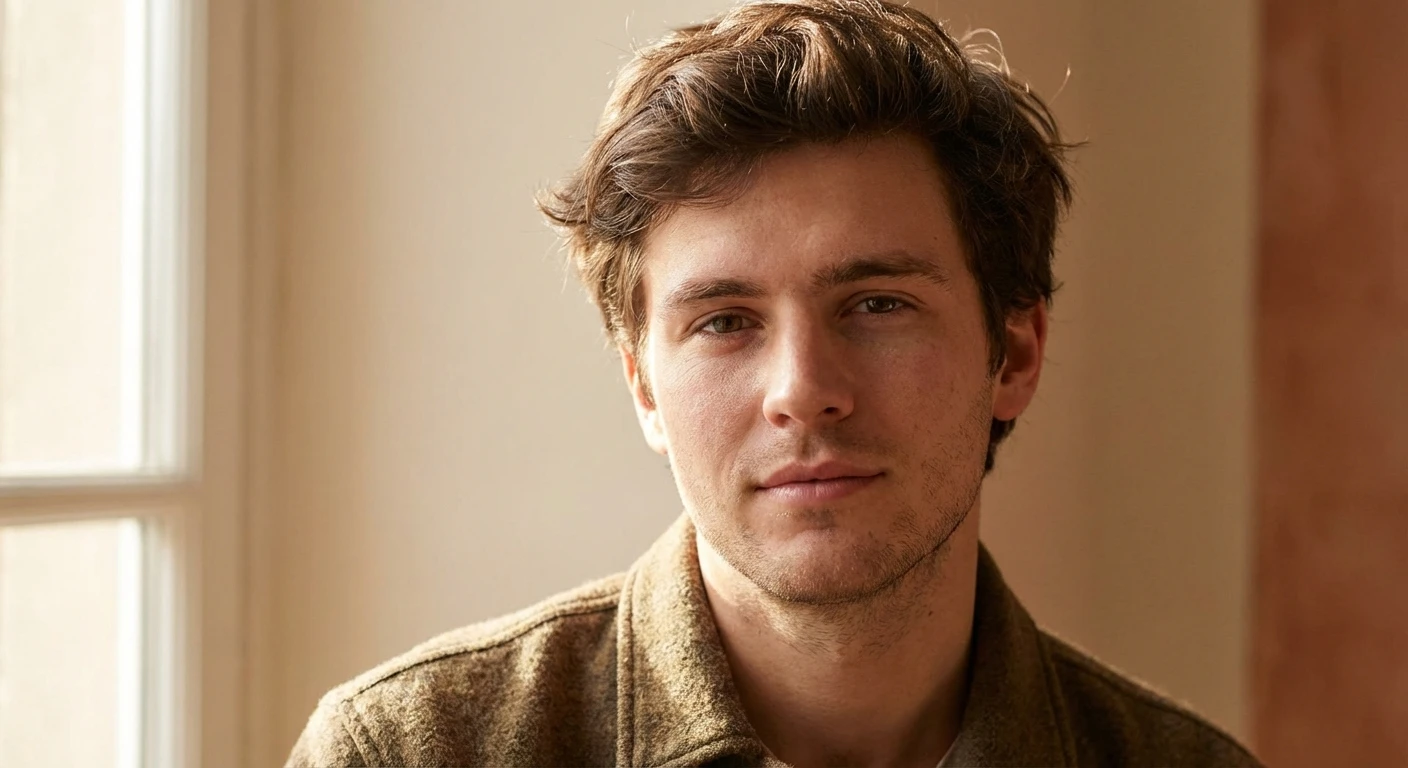
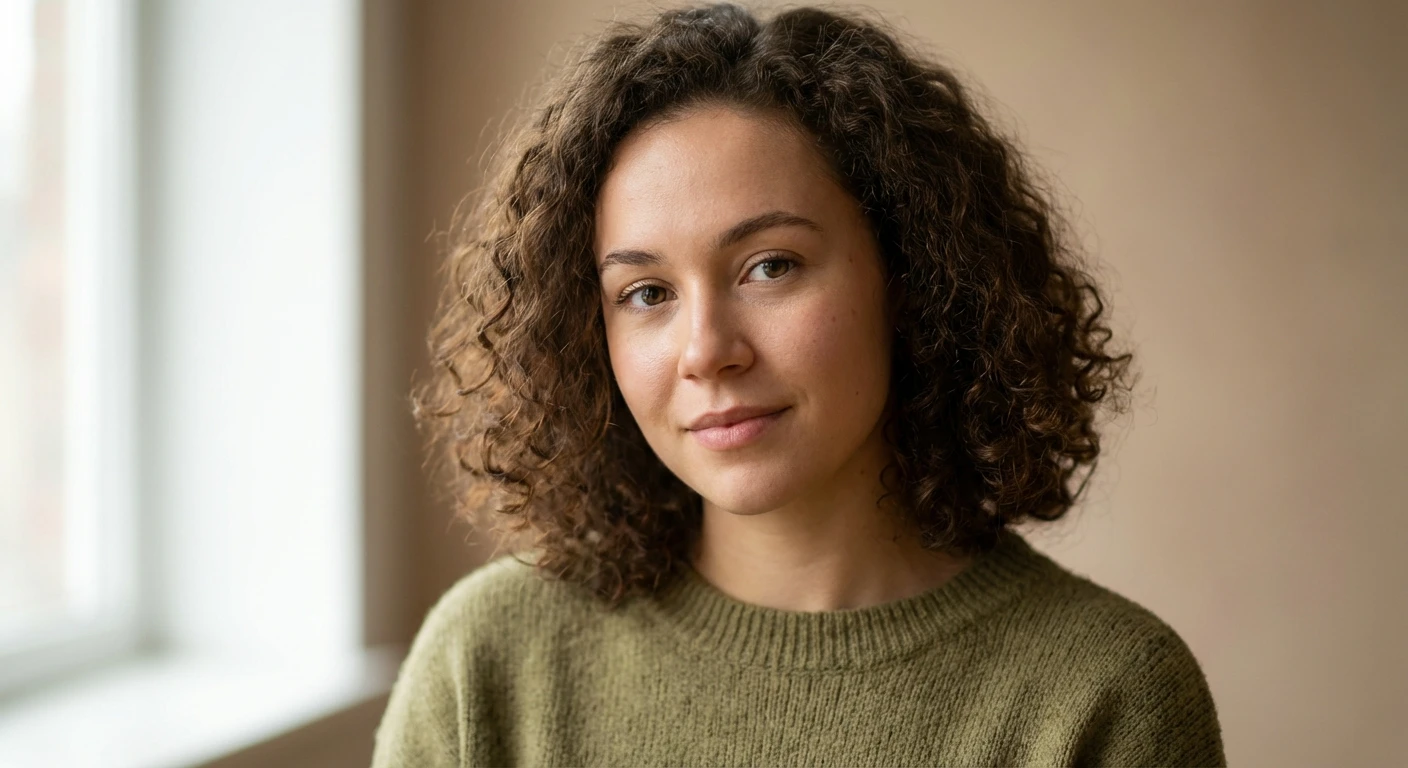
AI result preview

Final image will appear here
Generate to create the final image from your uploaded photos.
- Match lighting and shadows
- Preserve faces and key details
- Blend backgrounds naturally
- Clean composition and color balance
How to Get Great Results with AI Image Combiner
AI Image Combiner helps you merge two or more photos into a single, cohesive image using advanced AI technology. Whether you're creating wedding portraits, product showcases, collages, or creative compositions, our tool delivers professional results in 10-30 seconds.
The key to great results is choosing the right preset or writing a clear prompt. Our 8 preset styles cover the most common use cases—from romantic couple portraits to holiday cards. Each preset is optimized with AI prompts that understand lighting, perspective, and composition.
Ready to try? Browse the presets below, click "Try this preset" to auto-fill the prompt, upload your images, and create your first AI-combined photo. For specialized needs, check our dedicated tool pages for wedding photos, photo collages, or combining two photos.
Prompt Presets
Start with a template
Choose a preset to see what's possible—or inspire your own prompt. Each preset is optimized for specific use cases and guides the AI to create natural, high-quality results.


Couple Together


Product in Scene


Before/After Collage


Social Media Collage
How to Write Great Prompts
Want to customize your own prompt? Follow this simple formula:
What Our Users Say
Real stories from AI Image Combiner users
This AI image combiner transformed my wedding photography workflow. I can now create stunning couple portraits that merge different moments into one artistic masterpiece. My clients love the unique results!
Sarah Chen
Wedding PhotographerCreating engaging content for Instagram used to take hours. With this tool, I merge product shots with lifestyle images in seconds. The cinematic style is perfect for our brand aesthetic.
Marcus Rodriguez
Social Media ManagerAs a designer, I'm picky about tools. The AI fusion quality here is exceptional - it understands lighting and composition. The Polaroid style creates perfect vintage vibes for my clients' campaigns.
Emily Thompson
Graphic DesignerI combine landscape shots with portraits to create unique travel memories. The artistic style makes my blog posts stand out. Fast, easy, and the results look professionally edited.
David Kim
Travel BloggerFor corporate events, I merge venue photos with team moments. The modern style creates polished promotional materials, and the current credit pack gives me plenty of room to experiment.
Lisa Anderson
Event CoordinatorCombining exterior and interior shots creates compelling property listings. The cinematic style makes every home look magazine-worthy. My listings get 40% more engagement now.
James Wilson
Real Estate AgentThe artistic style creates dreamy portrait composites that my clients absolutely adore. I merge studio shots with outdoor scenes to offer unique packages. This tool pays for itself after just one booking!
Rachel Martinez
Portrait PhotographerCombining product photos with lifestyle images boosts our conversion rate significantly. The modern style keeps our brand looking fresh and professional. Best investment for our marketing budget!
Tom Harrison
E-commerce ManagerI use this to create mood boards and brand concepts for clients. The Polaroid style adds a retro touch that's trending right now. It's become my secret weapon for client presentations.
Nina Patel
Brand ConsultantCreating YouTube thumbnails and Instagram stories is so much faster now. I combine different shots to create eye-catching visuals that drive clicks. My engagement has doubled since I started using this!
Chris Murphy
Content CreatorOur team uses the cinematic style for campaign visuals and presentations. The quality rivals expensive professional editing. We've saved thousands in design costs while improving our output.
Amanda Foster
Marketing DirectorMerging pet portraits with scenic backgrounds creates magical memories for pet owners. The artistic style captures their personalities beautifully. My clients order prints of every combination I create!
Kevin Tanaka
Pet PhotographerEverything You Need for AI Photo Fusion
Professional results, simple workflow
Choose a style, upload two photos, and merge them into one image. Sign up and get free credits to start.
Free Account with Free Credits
Create an account and get free credits to try the AI Image Combiner. Great for quick tests, personal projects, and creative experiments.
AI Vision Analysis
AI analyzes subjects, composition, lighting, and context, then plans a natural-looking merge for clean, consistent results.
Custom Creative Control
Add a prompt to guide the fusion—or let AI decide automatically. Merge people, blend backgrounds, or create artistic compositions.
Smart Context Understanding
Preserves key details while blending two images naturally—no manual masking or photo editing skills required.
Fast Premium Queue
Get results in 10-30 seconds with fast processing—ideal for creators and professionals who need quick turnaround.
High-Quality HD Output
Unlock higher-quality models for sharper, more detailed results—great for marketing assets and commercial work.
Sign up free, get free credits to start
No subscriptions, no hidden fees. Free account: free credits to experience premium features. Premium: fast queue + high-quality models.
Free
Create a free account and get free credits to experience premium features
- Free welcome credit on signup
- AI Vision analysis included
- Custom prompts supported
- ⚠️ Watermark on downloads
Starter
Perfect for trying premium features
- 30 premium merges
- ✨ No watermark on downloads
- AI Vision analysis included
- Valid for 365 days
- Commercial use allowed
Pro
Best value for serious creators
- 100 premium merges
- ✨ No watermark on downloads
- AI Vision analysis included
- Valid for 365 days
- Commercial use allowed
Free
Create a free account and get free credits to experience premium features
- Free welcome credit on signup
- AI Vision analysis included
- Custom prompts supported
- ⚠️ Watermark on downloads
Starter
Perfect for trying premium features
- 30 premium merges
- ✨ No watermark on downloads
- AI Vision analysis included
- Valid for 365 days
- Commercial use allowed
Pro
Best value for serious creators
- 100 premium merges
- ✨ No watermark on downloads
- AI Vision analysis included
- Valid for 365 days
- Commercial use allowed
Popular
80 credits, valid for 1 year - fast queue + HD quality + bulk savings
- One-time purchase, no subscription
- Valid for 365 days
- No watermark on downloads
- Commercial use allowed
Frequently Asked Questions
Everything you need to know about merging photos with AI
Can I use the AI image combiner for free?
Yes! Create a free account and get free credits to experience our AI image combiner - no credit card required. Just create an account, upload two photos and merge them. Premium users who subscribe or purchase credits get access to fast processing queues and high-quality models. Current pricing starts at $9.90/month, and the credit pack includes 80 credits for $19.90.
What's the difference between free and premium processing?
Free users get free credits on signup to experience the service with standard queue processing. Premium users who purchase credits access the fast priority queue with immediate processing and high-quality AI models for professional results. Both produce stunning artistic combinations - premium just works faster with enhanced quality.
How does the AI photo combiner work?
Our AI photo fusion tool analyzes the composition, lighting, and style of your two photos, then intelligently merges them using advanced deep learning algorithms to create a seamless, artistic combination. Simply upload two images, choose your preferred style, and get professional results in 10-30 seconds.
What photo formats can I combine?
We support JPG, PNG, and WebP formats up to 10MB per image. For best results when merging photos, use high-resolution images with good lighting and clear subjects.
Can I use the combined images for commercial purposes?
Yes! All images created with our AI photo mixer are yours to use for personal or commercial purposes without attribution required. Perfect for businesses, marketing materials, social media content, and professional projects.
How much does it cost to merge photos?
Create a free account and get free credits to start. For more, subscription plans start at $9.90/month, and the current credit pack includes 80 credits for $19.90. Premium users get fast queue priority and high-quality models.
Why did my photo generation fail or get blocked?
Most failures come from our automatic AI safety check, which can decline some photos of people even when nothing is wrong with them. Whenever a generation fails for any reason, the credits you used are automatically refunded, so you never pay for a blocked or failed result. To improve your success rate, use clear photos with a single, well-lit subject and a visible face, and describe the final scene you want in plain, non-sensitive language. If a result fails, just adjust your photo or wording and try again.
What photos work best for merging with AI?
For the best results, upload high-resolution JPG, PNG, or WebP images (up to 10MB each) with good, even lighting and clear, unobstructed faces. Photos where each person is the obvious main subject work far better than busy group shots or heavily filtered images. When combining people, two clear portraits — one subject per photo, facing the camera — give the AI the strongest reference and produce the most natural, realistic merges.
Ready to Merge Two Photos with AI? Try It Free Now
Join thousands creating stunning photo merges with AI Image Combiner. Start with free credits — no credit card, no Photoshop, results in under 30 seconds.