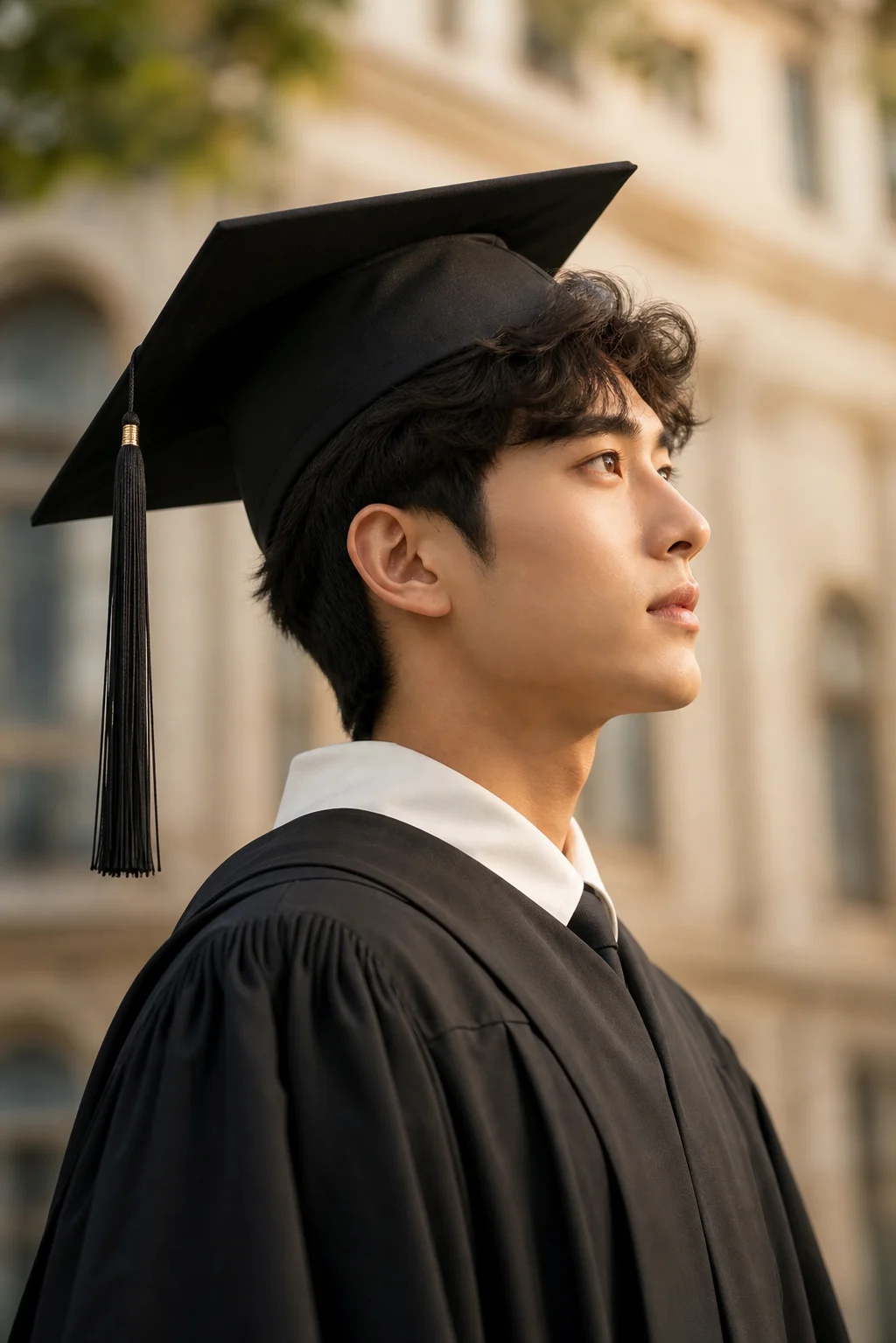
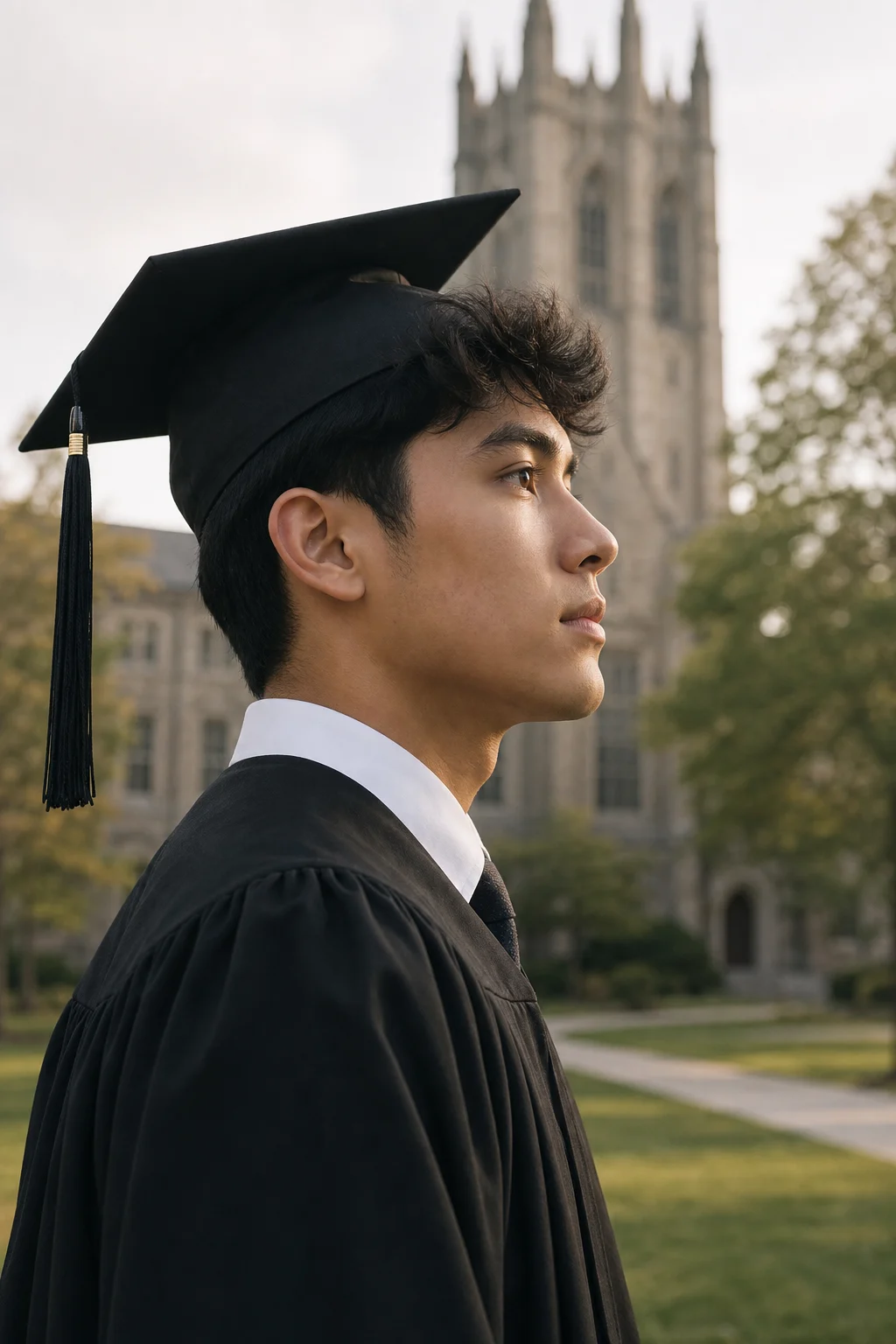
Turn senior photos into cinematic silhouette posters

AI Graduation Poster Maker

Upload graduation portraits and describe your campus memories. This AI graduation photo generator turns them into a poetic side-profile poster with school landmarks, cap-and-gown symbols, and keepsake-ready atmosphere.

AI graduation poster with a large side profile silhouette filled with campus scenes
AI photo fusion editor

Create Your Graduation Silhouette Poster

Upload 2-4 photos: portrait, side profile, campus, and graduation details work best

1

Upload Graduation References

Upload 2-4 photos: portrait, side profile, campus, and graduation details work best

Upload 1
Uploaded
Upload 2
Uploaded
Uploaded 1Uploaded 2
PNG/JPG/WebPPrivate processing
2Quality
Your inputs
Input 1
Input 2

AI result preview

Graduation poster result preview
Ready to generate
1 credit
ModeGraduation poster
QualityStandard
Estimated time1-2 min
Cost1 credit
  • Match lighting and shadows
  • Preserve faces and key details
  • Blend backgrounds naturally
  • Clean composition and color balance

AI Graduation Poster Results

Examples of silhouette campus posters made from senior portraits and graduation references

AI graduation poster maker result with a side profile silhouette filled with campus buildings and graduation symbols

Epic Silhouette Graduation Poster

AI graduation photo poster with ceremony stage, tassels, and campus memories inside a profile silhouette

Cinematic Senior Year Keepsake

Graduation silhouette poster with watercolor campus world, books, friends, and diploma details

Dreamy Campus Watercolor Poster

Why Use This AI Graduation Poster Maker?

Designed for keepsake posters, not generic template graphics

Portrait-Led Storytelling

The poster starts from your own portrait references, so the final image feels personal and graduation-specific instead of looking like a stock class poster.

Signature Silhouette Layout

A side profile becomes the outer poster shape, while campus scenes and symbolic details grow inside it for a premium double-exposure look.

Campus Memory Details

Add school gates, libraries, classrooms, ceremony stages, friends, books, tassels, diplomas, and other cues that make the poster read as graduation at first glance.

Keepsake-Ready Mood

The default style favors cinematic watercolor, soft mist, paper grain, and restrained white space so the result feels suitable for a frame, feed, or announcement.

Who Should Use This Graduation Poster Tool?

Useful for students, families, creators, and school communities

Graduating Students

Make a senior poster that feels more cinematic than a standard studio photo or template collage.

Families and Friends

Create a personalized graduation gift or social post using a graduate's portrait and campus memories.

Content Creators

Turn a viral graduation photo prompt into a polished poster workflow for Reels, TikTok, Xiaohongshu, or Instagram.

Schools and Clubs

Draft class-of-year visuals, senior spotlights, club graduation posts, and campaign artwork with a consistent campus tone.

Graduation Poster Features

Controls and defaults built around the viral side-profile poster format

Identity-Aware Portrait Use

Use your own photos as references so the poster can preserve a recognizable face outline, pose, and graduation mood.

Side Silhouette Composition

The default prompt asks for a large side profile contour and a story world inside it, avoiding flat collage grids.

Campus Story Elements

The tool encourages school gates, libraries, classrooms, ceremony details, classmates, and symbolic objects tied to graduation.

Cinematic Watercolor Style

Soft atmospheric perspective, light fog, paper texture, and dry brush edges make the output feel like an illustrated film poster.

Editable Prompt Guidance

Start from a focused graduation poster prompt and add campus places, class year, colors, people, and symbols without choosing a template.

Editable Prompt Builder

Start from one focused graduation photo prompt, then add school names, colors, landmarks, class year, or personal symbols when needed.

Social and Print Uses

Create artwork for announcement posts, senior spotlights, dorm room prints, framed gifts, or graduation party visuals.

No Template Look

The page focuses on narrative poster generation instead of fixed flyer templates, giving each graduate a more distinctive result.

How to Make a Graduation Poster

Four steps from senior photos to a collectible silhouette poster

1

Upload Graduation References

Add 2-4 images: a clear portrait, a side profile, a campus scene, and a cap-and-gown or diploma detail.

💡 Pro tip: The side profile is the most important image for the silhouette outline.

Step 1
2

Describe Your Campus Story

Add the places and memories that should appear inside the silhouette, such as the school gate, library, ceremony stage, friends, diploma, or Class of 2026 details.

💡 Pro tip: The page already uses a cinematic silhouette poster style, so your prompt can focus on the story inside the portrait.

Step 2
3

Personalize the Prompt

Add school landmarks, class year, colors, favorite places, clubs, or symbolic objects while keeping the prompt focused.

💡 Pro tip: If text appears, ask for English only and add exact typography later if needed.

Step 3
4

Generate and Review

Check the profile outline, campus details, hands, tassels, and overall layout before saving or regenerating.

💡 Pro tip: Choose the result with the cleanest silhouette and strongest graduation story.

Step 4

Everything You Need to Know About AI Graduation Poster Makers

A practical guide to creating a graduation poster that feels personal, cinematic, and polished.

01

Who should create an AI graduation poster?

An AI graduation poster maker is best for people who want more than a clean announcement template. Graduates can use it to turn senior photos into a personal visual story, while families can create a meaningful keepsake that includes campus memories and graduation symbols. The side-profile silhouette format works especially well because it gives the poster a clear hero shape and leaves room for small narrative details inside the portrait.

It also fits creators who want to recreate the viral graduation poster look without manually compositing dozens of layers. Instead of placing photos into a grid, the prompt asks the model to interpret the portrait, campus, and ceremony references as one coherent poster. This makes it useful for short-form content, before-and-after posts, and graduation-season campaigns.

Schools, clubs, and student organizations can use the same format for senior spotlights or class-of-year visuals. A consistent poster system helps every graduate feel celebrated while still allowing individual landmarks, activities, colors, and memories to appear in each piece.

02

When does a graduation silhouette poster work best?

The best results come from clear references. Use one clean portrait, one side profile, one campus or ceremony scene, and one detail photo such as a cap, diploma, school gate, library, or club symbol. The side profile gives the AI a strong outline, while the other images provide the visual world that fills the silhouette.

Lighting matters. Soft daylight and uncluttered backgrounds usually produce better posters than dark party photos or heavily filtered selfies. If you only have one good portrait, you can still generate a poster, but extra references help the model understand what should appear inside the campus world.

Be specific without listing every possible object. A strong prompt should name the theme, emotional tone, composition, and essential symbols. Too many unrelated details can make the poster messy, so keep the prompt focused on graduation, campus memory, and the portrait silhouette.

  • Use a side profile with a clear outline.
  • Add one campus or ceremony reference photo.
  • Keep the mood focused: nostalgic, quiet, cinematic.
  • Avoid busy screenshots, blurry selfies, and unrelated props.
03

What are the limitations and practical tips?

AI poster generation is strongest at mood, composition, and symbolic storytelling, but it can struggle with exact typography, school logos, and tiny architectural details. If a school crest or official text must be perfect, generate the poster without text first and add official marks later in a design editor.

Faces may become more illustrative than photographic because the requested style is a watercolor film-poster fusion. That is part of the intended look, but users who need strict yearbook accuracy should keep a clean reference photo and ask for a more recognizable portrait outline. The silhouette outline is often more important than every facial detail.

For print, inspect the output before ordering. Check hands, tassels, small text, and building shapes at full size. For social sharing, crop less aggressively so the white space and silhouette outline remain visible in feeds.

  • Do not rely on AI for exact official school logos.
  • Use English only if text appears.
  • Regenerate if the silhouette becomes unclear.
  • Add final typography in a design editor for formal invitations.
04

AI graduation poster maker vs templates and manual design

A template graduation poster maker is fast when you need a flyer, invitation, or simple class announcement. It usually gives you predictable layouts, editable text, and easy printing. The tradeoff is that many results look similar because they rely on the same frames, fonts, and stock decorations.

Manual Photoshop or Canva design gives the most control, but it takes more time and design skill. You need to cut out portraits, balance layers, paint masks, choose typography, and build the double-exposure effect by hand. That route is useful for professional designers but too slow for most students during graduation season.

This AI graduation poster maker sits between both options. It gives you a distinctive narrative poster from your own graduation photos while still letting you guide the campus story with a focused prompt. It is not a replacement for final brand-approved school graphics, but it is a strong choice for personal keepsakes, Class of 2026 posters, and social-ready graduation art.

Feature Comparison: AI Poster vs Template Maker vs Manual Design

FeatureThis AI ToolTemplate MakerManual Design
Portrait-based silhouette✅ Strong❌ Rare✅ Possible
Campus story world✅ Prompt-driven⚠️ Basic stickers✅ Full control
Speed✅ Fast✅ Fast❌ Slow
Editable text precision⚠️ Add later✅ Strong✅ Strong
Unique keepsake feel✅ High⚠️ Template-like✅ High
Design skill needed✅ Low✅ Low❌ High
Best forCinematic Class of 2026 collectiblesFlyers and invitesProfessional final artwork

Graduates Use It for More Than Posts

Realistic ways people use AI graduation poster artwork

"I used one side-profile photo and described our school gate. The result looked like the viral graduation photo prompt everyone was sharing, but it still felt personal."

Nina C.

Senior student

"The focused prompt saved me from writing the whole viral idea again. I only added the school gate and class color, then regenerated until the outline looked right."

Marcus L.

Parent

"I made a Class of 2026 cover for our club account. The side-profile silhouette gave it a stronger identity than a normal photo collage."

Avery T.

Student creator

FAQ

AI Graduation Poster Maker FAQ

Answers about photos, prompts, quality, and graduation use cases

Create an Epic Graduation Poster

Turn senior photos and campus memories into a cinematic keepsake.